Verantwortlicher im Sinne der DSGVO
Eike Otto
Geibelstraße 60
40235 Düsseldorf
E-Mail: spprt@tscl.app
Grundsatz
tscl verarbeitet keine personenbezogenen Daten auf externen Servern. Alle Daten verbleiben ausschließlich auf deinem Gerät. Es werden keine Daten an Dritte übermittelt, keine Nutzerkonten angelegt und keine Tracking- oder Analysedienste eingesetzt.
Kalender und Erinnerungen
tscl kann auf Wunsch auf deinen Apple Kalender und deine Apple Erinnerungen zugreifen. Diese Berechtigung wird beim ersten Zugriff vom Betriebssystem abgefragt und kann jederzeit in den iPhone-Einstellungen widerrufen werden. Die Daten werden ausschließlich lokal gelesen und geschrieben — tscl überträgt sie weder an eigene noch an fremde Server.
Rechtsgrundlage: Art. 6 Abs. 1 lit. a DSGVO (Einwilligung durch Erteilen der Systemberechtigung).
Kontakte
tscl kann auf deine Kontakte zugreifen, wenn du Personen zu einem Termin einladen möchtest. Auch diese Berechtigung fragt das Betriebssystem erst ab, wenn du die Auswahl öffnest; stimmst du nicht zu, funktioniert die Auswahl nicht und du kannst Adressen von Hand eingeben. Gelesen werden nur Name und E-Mail-Adresse der Personen, die du auswählst. Sie werden im jeweiligen Termin auf deinem Gerät gespeichert und nirgendwohin übertragen. Rechtsgrundlage: Art. 6 Abs. 1 lit. a DSGVO.
Mitteilungen
Für Erinnerungen an Termine und Aufgaben plant tscl lokale Mitteilungen auf deinem Gerät. Sie werden nicht über einen Server verschickt. Die Berechtigung fragt das Betriebssystem ab und kann jederzeit in den iPhone-Einstellungen widerrufen werden.
Widget, Live Activity und Hintergrund
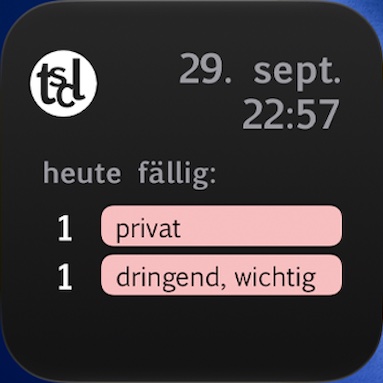
Für das Widget auf dem Homescreen und die Live Activity (Sperrbildschirm, Dynamic Island) legt tscl eine kleine Zusammenfassung deiner nächsten Termine und Aufgaben in einem gemeinsamen Speicher auf deinem Gerät ab (App Group). Dieser Speicher ist nur für tscl und sein Widget zugänglich und verlässt das Gerät nicht. Gelegentlich lässt iOS tscl im Hintergrund kurz laufen, damit die Live Activity aufgeräumt wird; dabei werden keine Daten übertragen.
Versand per E-Mail und Termindateien
Wenn du eine Aufgabe, einen Termin oder eine Notiz per E-Mail versendest, übergibt tscl den Inhalt an das E-Mail-Programm deines Geräts. Gesendet wird erst, wenn du dort selbst auf „Senden“ tippst; ab dann gilt die Datenschutzerklärung deines E-Mail-Anbieters. Termine hängen dabei als Datei im ICS-Format an. Öffnest du eine Termindatei (.ics) in tscl, wird sie nur auf deinem Gerät gelesen.
Kauf und App-Beleg
tscl fragt über Apples Schnittstelle (StoreKit) ab, wann die App erstmals auf deine Apple-ID geladen wurde und ob du die Vollversion gekauft hast. Beides stammt von Apple, wird von Apple signiert und nur auf deinem Gerät ausgewertet. Damit stellt tscl fest, ob du früh dabei warst, wie lange deine Probezeit läuft und ob du gekauft hast. tscl sendet dazu keine Daten an eigene oder fremde Server; Kauf und Zahlung wickelt Apple ab, es gelten die Datenschutzbestimmungen von Apple.
Lokale Datenspeicherung
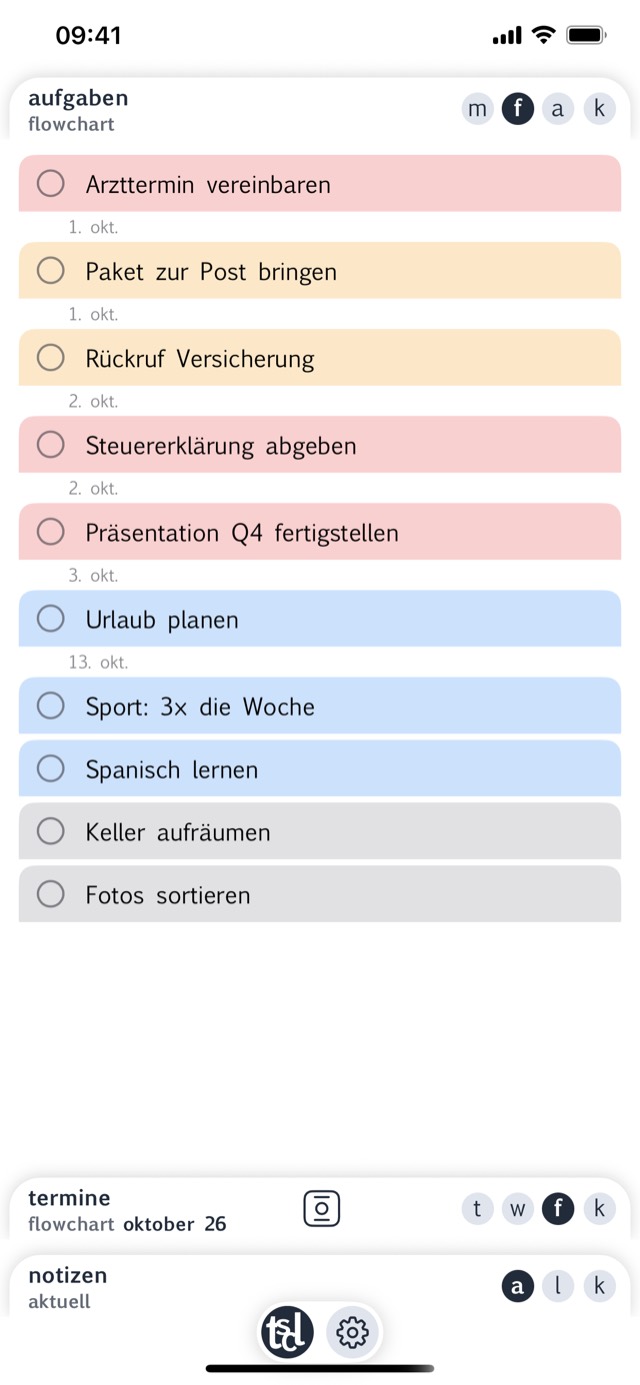
Alle in tscl erstellten Aufgaben, Termine und Notizen werden lokal auf deinem Gerät gespeichert. Eine Synchronisation über iCloud oder andere Cloud-Dienste findet derzeit nicht statt.
Deine Rechte
Du hast das Recht auf Auskunft, Berichtigung, Löschung und Einschränkung der Verarbeitung deiner Daten sowie das Recht auf Datenübertragbarkeit. Da tscl keine Daten auf externen Systemen speichert, liegen alle Daten vollständig in deiner Kontrolle und können jederzeit durch Deinstallation der App gelöscht werden.
Bei Fragen zum Datenschutz wende dich an: spprt@tscl.app
Beschwerderecht
Du hast das Recht, dich bei einer Datenschutzaufsichtsbehörde zu beschweren. Die zuständige Behörde für Nordrhein-Westfalen ist:
Landesbeauftragte für Datenschutz und Informationsfreiheit NRW
Postfach 20 04 44, 40102 Düsseldorf
www.ldi.nrw.de
Stand: Oktober 2026
Courtesy translation. In case of doubt, the German version applies.
Controller within the meaning of the GDPR
Eike Otto
Geibelstraße 60
40235 Düsseldorf, Germany
E-mail: spprt@tscl.app
Principle
tscl does not process personal data on external servers. All data stays exclusively on your device. No data is passed on to third parties, no user accounts are created and no tracking or analytics services are used.
Calendar and reminders
On request, tscl can access your Apple Calendar and your Apple Reminders. This permission is requested by the operating system on first access and can be revoked at any time in the iPhone settings. The data is read and written exclusively locally — tscl transmits it neither to its own nor to third-party servers.
Legal basis: Art. 6(1)(a) GDPR (consent by granting the system permission).
Contacts
tscl can access your contacts if you want to invite people to an event. This permission, too, is requested by the operating system only when you open the picker; if you do not consent, the picker does not work and you can enter addresses by hand. Only the name and e-mail address of the people you select are read. They are stored in the respective event on your device and not transmitted anywhere. Legal basis: Art. 6(1)(a) GDPR.
Notifications
For reminders about events and tasks, tscl schedules local notifications on your device. They are not sent via a server. The operating system requests the permission, and you can revoke it at any time in the iPhone settings.
Widget, Live Activity and background
For the home screen widget and the Live Activity (lock screen, Dynamic Island), tscl stores a small summary of your next events and tasks in a shared storage on your device (App Group). This storage is accessible only to tscl and its widget and does not leave the device. Occasionally iOS lets tscl run briefly in the background to tidy up the Live Activity; no data is transmitted in the process.
Sending by e-mail and event files
When you send a task, an event or a note by e-mail, tscl hands the content to your device's mail app. Nothing is sent until you tap “Send” there yourself; from then on, your e-mail provider's privacy policy applies. Events are attached as a file in ICS format. If you open an event file (.ics) in tscl, it is read on your device only.
Purchase and app receipt
tscl uses Apple's interface (StoreKit) to query when the app was first downloaded to your Apple ID and whether you bought the full version. Both come from Apple, are signed by Apple and are evaluated on your device only. tscl uses them to determine whether you were early, how long your trial runs and whether you have purchased. tscl does not send any data to its own or third-party servers for this; Apple handles the purchase and payment, and Apple's privacy terms apply.
Local data storage
All tasks, events and notes created in tscl are stored locally on your device. Synchronization via iCloud or other cloud services does not currently take place.
Your rights
You have the right of access, rectification, erasure and restriction of processing of your data, as well as the right to data portability. Since tscl does not store any data on external systems, all data is entirely under your control and can be deleted at any time by uninstalling the app.
If you have questions about data protection, please contact: spprt@tscl.app
Right to lodge a complaint
You have the right to lodge a complaint with a data protection supervisory authority. The competent authority for North Rhine-Westphalia is:
Landesbeauftragte für Datenschutz und Informationsfreiheit NRW
Postfach 20 04 44, 40102 Düsseldorf, Germany
www.ldi.nrw.de
As of: October 2026